How to Take the Perfect Selfie for AI Headshots
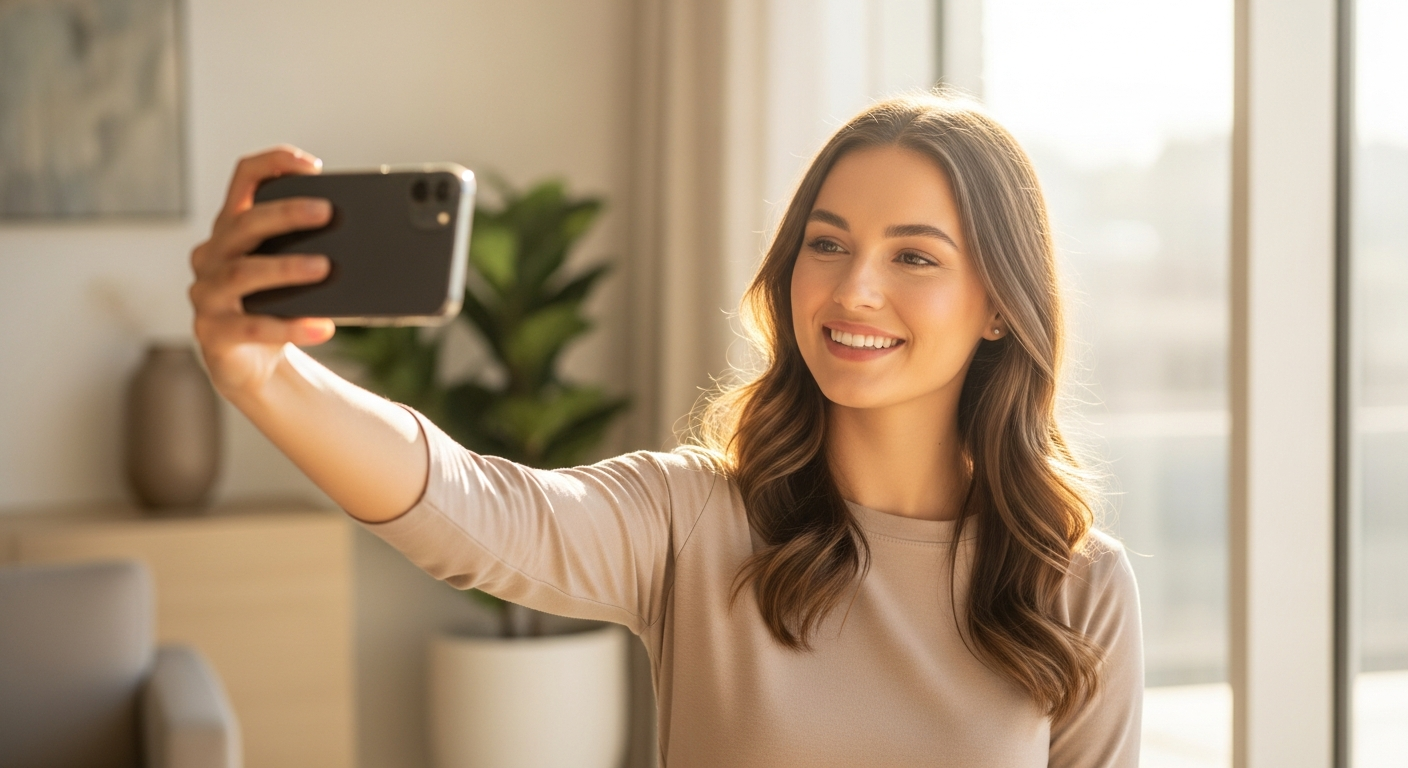
Why Your Selfie Quality Matters
AI headshot generators like HeadshotVIP can transform a casual selfie into a studio-quality professional portrait. But the output is only as good as the input. Upload a dark, blurry photo and you'll get a dark, blurry headshot — no matter how advanced the AI is.
The good news? You don't need a professional camera or a photography studio. A modern smartphone and 5 minutes of preparation is all it takes. Here's exactly how to do it.
Lighting: The Single Most Important Factor
Natural light is your best friend. Face a window during the day — the soft, even light eliminates harsh shadows and makes your skin look natural.
What works:
- Window light — Stand 2-3 feet from a large window with the light hitting your face directly
- Overcast days — Cloud cover acts as a giant softbox, creating perfect diffused light
- Golden hour — The hour before sunset gives warm, flattering tones
What to avoid:
- Overhead fluorescent lights — Creates unflattering shadows under your eyes and nose
- Direct sunlight — Causes squinting and harsh shadows
- Backlit scenes — Standing with a window behind you makes your face dark
- Mixed lighting — Half your face in warm light, half in cool light looks unnatural
Camera Position and Angles
The angle of your camera dramatically affects how the AI interprets your facial features.
The ideal setup:
- Camera at eye level or slightly above — This is the most universally flattering angle
- Distance: arm's length or slightly farther — Too close causes lens distortion that makes your nose look bigger
- Straight-on or slight 3/4 turn — Turn your head about 15-20 degrees from center for a natural, professional look
Common mistakes:
- Below chin angle — Makes your neck look shorter and adds the appearance of a double chin
- Extreme side profile — AI works best with both eyes visible
- Too far away — Your face should fill at least 40% of the frame
- Too close — Causes barrel distortion and unnatural proportions
Expression and Pose
Your expression in the source photo directly influences the AI output. The AI preserves your core expression while enhancing the professional quality.
Best expressions for professional headshots:
- Slight smile with closed lips — Approachable and confident, perfect for LinkedIn headshots
- Open smile showing teeth — Warm and friendly, great for realtor headshots and sales roles
- Neutral with relaxed face — Serious and authoritative, ideal for executive headshots
- Slight head tilt — Adds warmth and approachability
Tips:
- Relax your jaw — Tension in your jaw shows in photos
- Think of something that makes you genuinely happy — Fake smiles are obvious
- Take 10+ photos — Your best expression often comes after you've warmed up
What to Wear
While the AI can change your outfit, your actual clothing affects the overall composition.
- Solid colors work best — Especially navy, charcoal, white, or black
- Avoid busy patterns — Stripes, plaids, and logos can confuse the AI
- Wear something with a neckline — V-necks and collared shirts look professional
- Avoid white on white — If your background is white, wear a darker color
Background
A clean background helps the AI isolate your face and generate better results.
- Plain wall — White, light gray, or any solid color
- Minimal clutter — The AI handles background replacement, but a clean source helps
- Even lighting on the background — Avoid spots of light or shadow behind you
Photo Quality Checklist
Before uploading, make sure your photos meet these criteria:
- Resolution: At least 1024x1024 pixels (most modern phones exceed this)
- Focus: Your face should be sharp and in focus — tap your face on the screen before shooting
- No filters: Upload the original photo without Instagram or Snapchat filters
- No sunglasses or hats: Both eyes and your full face must be visible
- No heavy makeup or face paint: The AI needs to see your natural features
- Multiple photos: Upload 5-10 different photos for the best results
How Many Photos Should You Upload?
5-10 photos is the sweet spot. More photos give the AI more data to work with:
- Minimum 3 — Enough for basic generation
- Ideal 5-10 — Variety in angles and expressions helps the AI learn your features
- Include variety — Different angles, different expressions, different lighting conditions
Ready to Try?
You now have everything you need to take selfies that produce stunning AI headshots. The whole process takes about 5 minutes:
Starting at $6.99 for 50+ headshot variations — that's less than the cost of a single coffee for studio-quality professional photos.
Frequently Asked Questions
Create Your Professional AI Headshot
Get studio-quality professional headshots in minutes. Upload one selfie and let AI do the rest.